3D Exercise 138
- Breno Cruz

- Mar 22
- 1 min read

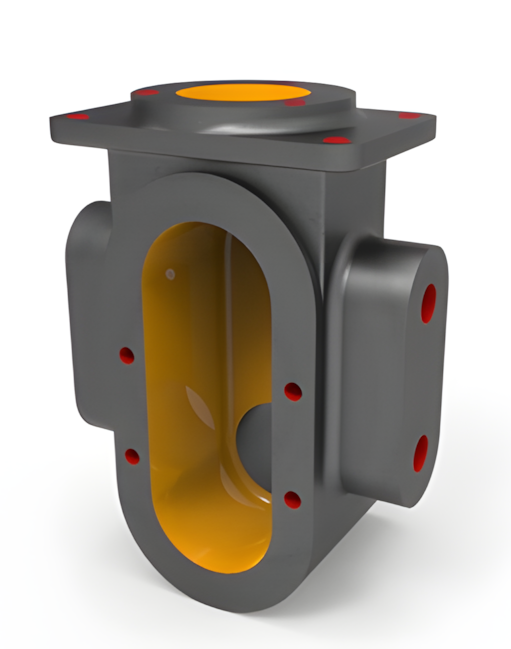
In this CAD tutorial we'll use the features:
Extrude: Pushes or pulls a flat 2D sketch in a straight line to add or remove material.
Hole: Punches standard, precision engineering holes (like tapped, clearance, or countersunk) into a part.
Revolve: Spins a 2D sketch around a center axis to create cylindrical or round shapes.
All dimensions are in mm/g/s/ISO
3D Sketch

Exercise 138 - 3D practice drawing for all CAD software ( AutoCAD, SolidWorks, 3DS Max, Autodesk Inventor, Fusion 360, CATIA, Creo Parametric, SolidEdge etc.)
Tip: Subscribe to the channel for more tutorials like this.
Tutorial In Autodesk Fusion: https://youtu.be/5C82Aa5DZeA


Comments