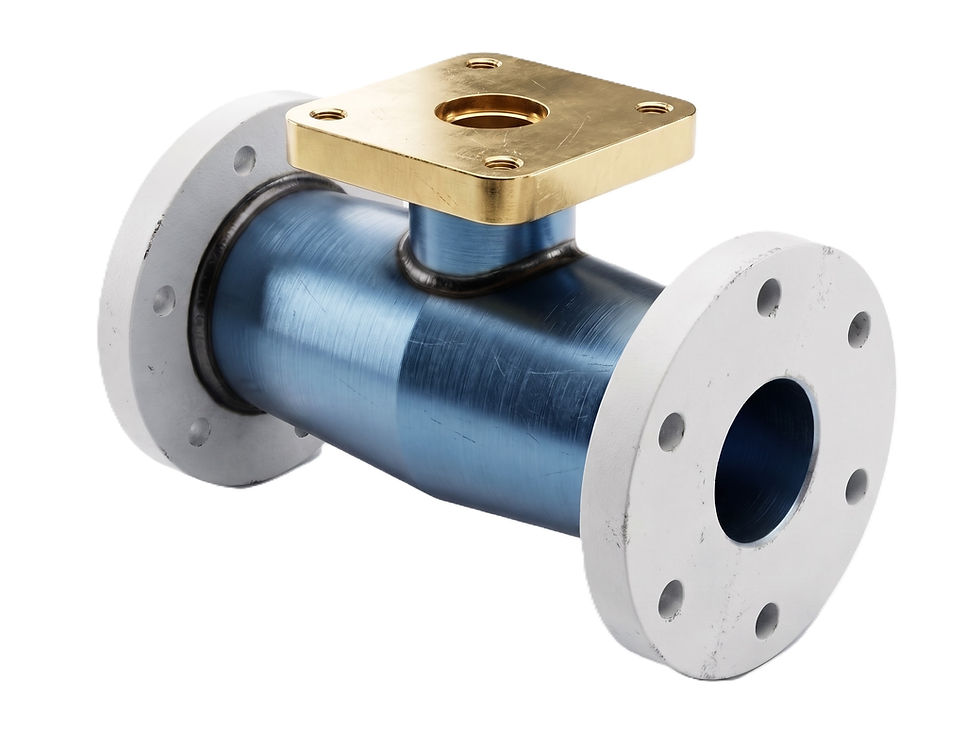
3D Exercise 151
- Breno Cruz

- 1 day ago
- 1 min read

Features used to make this exercise:
In this CAD tutorial we'll use the features:
Revolve — Creates a 3D shape by rotating a profile around an axis.
Extrude — Extends a 2D sketch into a 3D body.
Fillet — Rounds edges or corners.
Plane — Creates construction planes for new sketches.
Mirror — Duplicates features symmetrically.
Offset — Creates a copy of a sketch curve at a set distance.
Emboss — Projects text or profiles onto curved surfaces — used here to add the "Fusion 360 Tutorial" lettering onto the nozzle body.
Sweep — Extrudes a profile along a path — perfect for the curved handle/grip.
Remove — Cuts material from a body. 10. Combine — Joins, cuts, or intersects solid bodies.
All dimensions are in mm/g/s/ISO
3D Sketch

Tip: Subscribe to the channel for more tutorials like this.
Tutorial In Autodesk Fusion: https://youtu.be/JMBCmFsytbw
Tutorial In Solidworks:
Tutorial in FreeCAD:
Tutorial in Onshape:
Tutorial in Autodesk Inventor:
Tutorial in NX Siemens:
Tutorial in Catia V5:
Tutorial in PTC Creo Parametric:


Comments