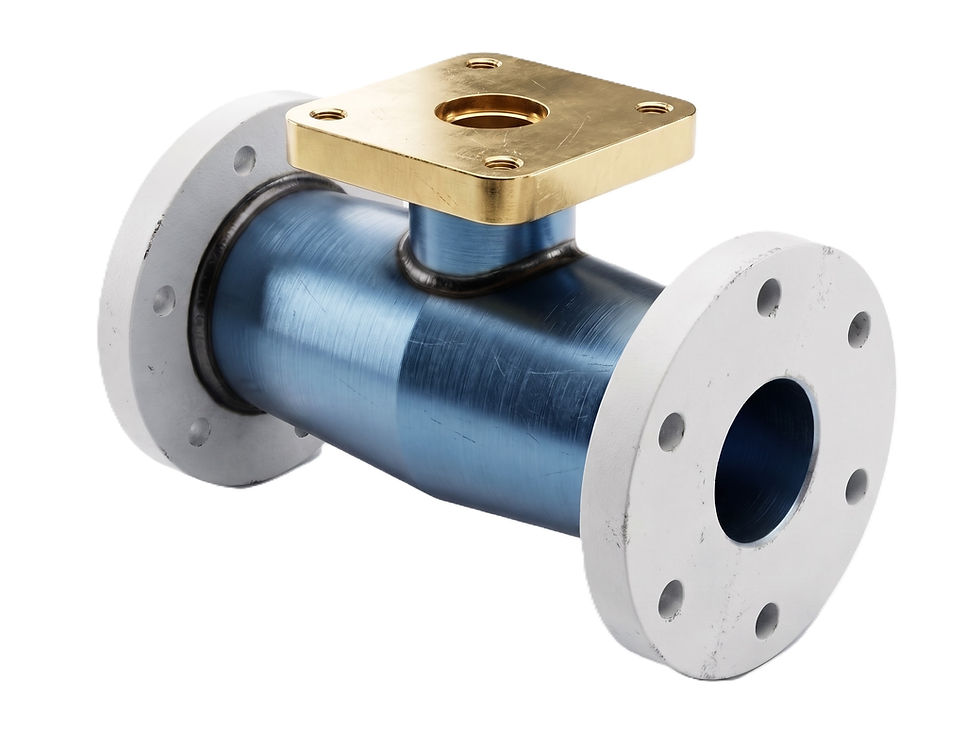
3D Exercise 153
- Breno Cruz

- 1 day ago
- 1 min read
Updated: 4 hours ago

Features used to make this exercise:
In this CAD tutorial we'll use the features:
Thin Extrude: Creates a hollow 3D shape by extruding the sketch with a specified wall thickness.
Fillet: Rounds the edge or corner of a part.
Full Round Fillet: Rounds a face so that it smoothly transitions between two adjacent faces.
Hole: Creates a circular cut or drilled hole with defined size and placement.
All dimensions are in mm/g/s/ISO
2D Sketch

Tip: Subscribe to the channel for more tutorials like this.
Tutorial In Autodesk Fusion: https://youtu.be/bFqldwj_fps
Tutorial in FreeCAD: https://youtu.be/3uRaKJo0aSA


Comments